Contact
The Contact page is designed to provide a direct communication channel between dashboard users and the HINformatics team for inquiries, support, or feedback.
Access Control
All Users: Both IRLSS Commissioners and individual HIN users have access to this page to submit queries as needed.
How to Use This Page
To send a message, please complete the following steps in the contact form:
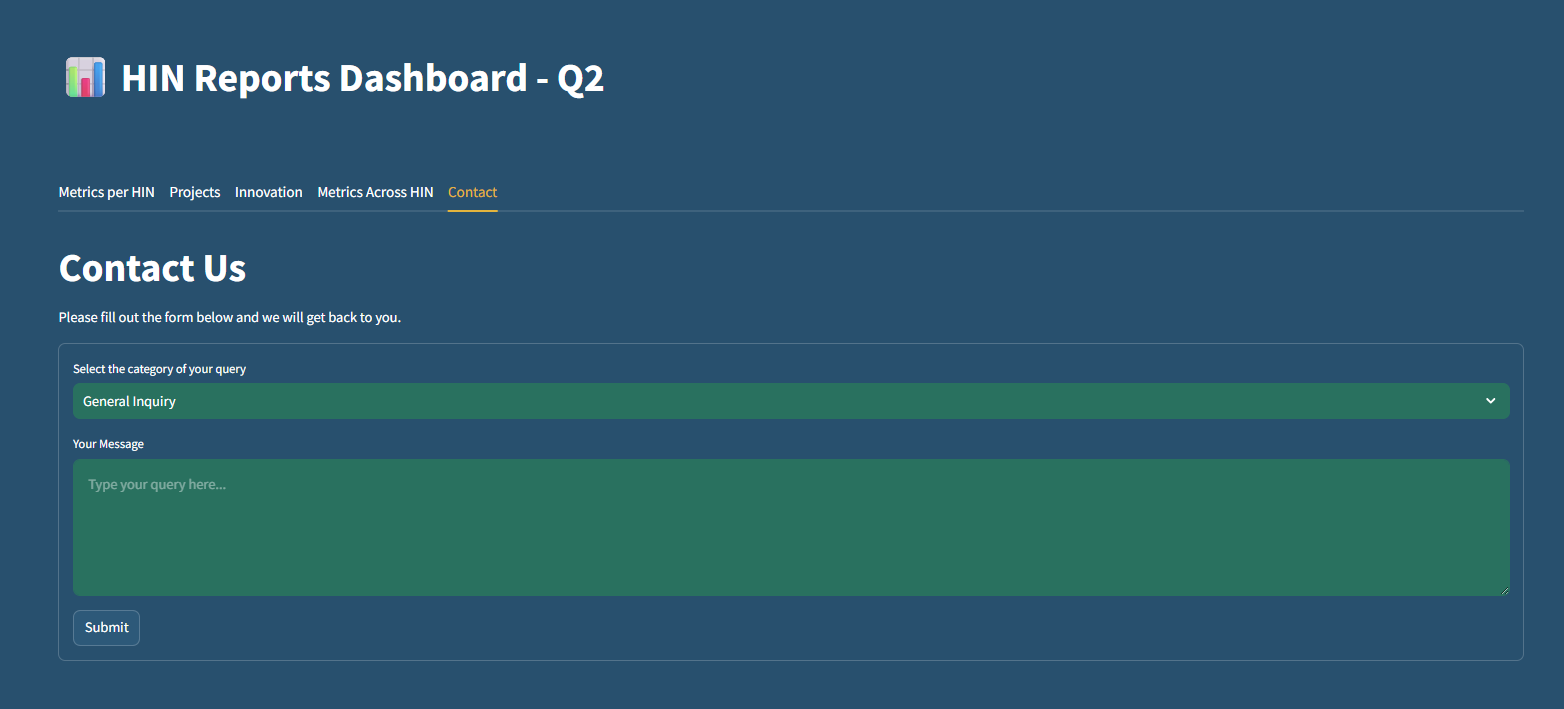
Select Category: Use the "Select the category of your query" dropdown menu to choose the most relevant topic for your message (e.g., General Inquiry).
Compose Message: Type your detailed inquiry or feedback into the "Your Message" text area.
Submit: Click the Submit button to send your request.
Query Handling
Once you click submit, the system automatically processes your request:
Direct Routing: Your query and selected category will be sent via email directly to the HINformatics team.
Follow-up: The HINformatics team will review your message and get back to you through your registered contact details.