Signing In and Out
To sign in, enter your email address and password as requested.
If you are signing in for the first time, you will be asked to change your initial password.
You will be taken to the Home page.
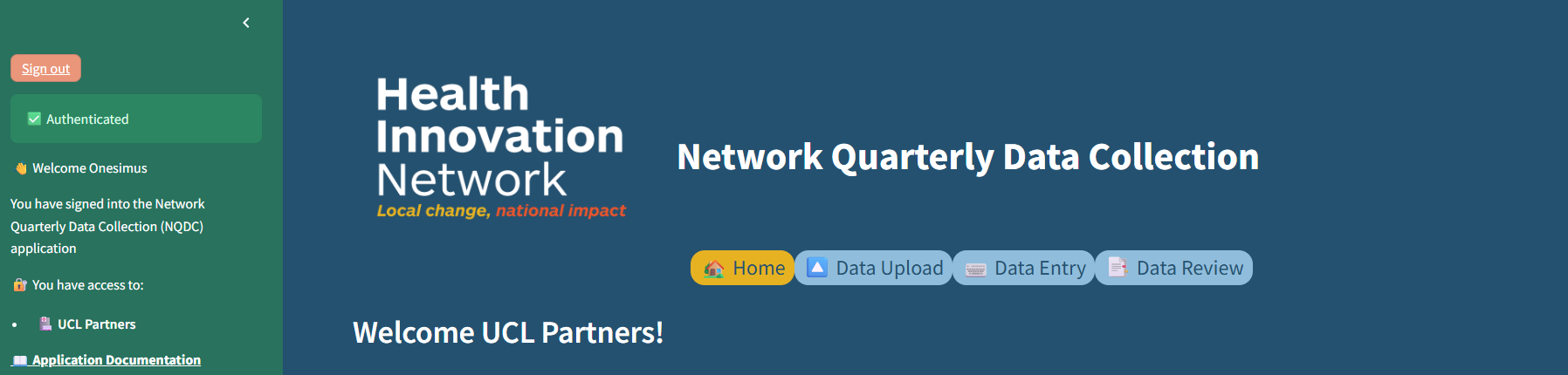
As well as login information, the green sidebar panel also contains a link to this documentation.
To hide the green panel, click on the white arrow on top right (<).
- Please sign out of the application when you finish using it.
- For each HIN, only one user should sign in at any one time.
- Access will 'time out' if you are not active in the application for 15 minutes.